Free Electrical Invoice Template (Excel, Google Sheets, PDF)
Bill your electrical work clearly. Itemize completed work, record payments and show the remaining balance with an editable invoice.
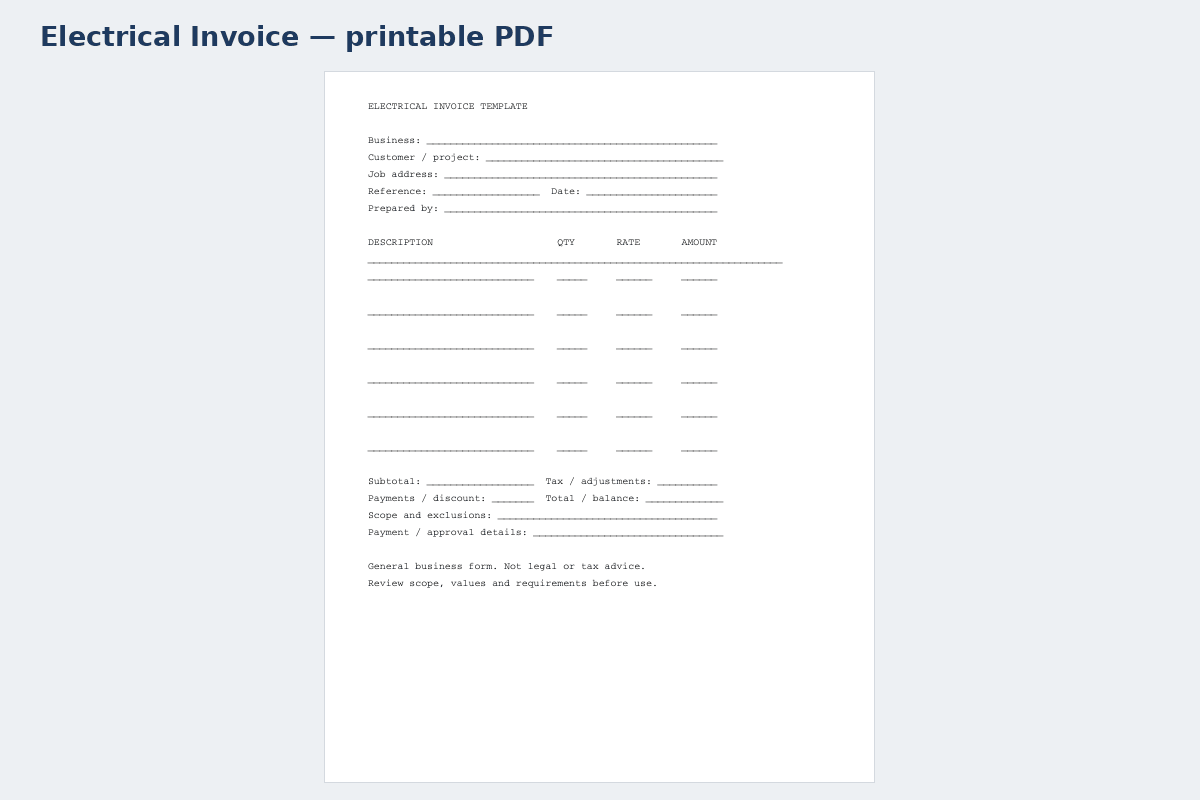
Printable PDF template · Electrical Invoice↗ Open full size (new tab)
Download your electrical invoice template
No signup needed. Excel 2016 or later. For Google Sheets, import the Excel file with File → Import → Upload.
Get the details right
What to include
Describe circuits, devices, access and testing. Check permit and licensing requirements locally before accepting the job.
- Business and customer billing details
- Invoice number, issue date and due date
- Completed work, quantities and rates
- Taxes, discounts and prior payments
- Balance due and your payment instructions
Explain completed electrical work clearly
Identify the property, completion dates and the authorized electrical job reference. Describe completed work in terms the customer can match to the original scope: panel work, circuit installation, device replacement or fixture fitting. If several areas were completed at different times, identify the stage being billed so the invoice cannot be mistaken for a charge covering unfinished work.
List significant supplied equipment separately from installation labor where useful. Distinguish your purchased fixtures from customer-supplied ones, and reference approvals for changed device counts or additional circuits. If an inspection or permit cost is billed, state the actual charge or agreed basis rather than copying a generic allowance from the estimate. Avoid presenting the invoice itself as a compliance certificate.
Apply deposits, previous stage payments and agreed credits before calculating the amount due. Reference any test record, inspection outcome or handover document kept with the job. The payment section should contain the due date, accepted payment route and reference the customer should use. A concise but traceable invoice supports both customer understanding and bookkeeping while keeping detailed technical documentation in its proper place.
How to fill it in
- Identify completed electrical tasks
Enter the property, job reference and areas or stages finished.
- Reconcile supplied equipment and labor
Match panels, devices, fixtures and additional circuits to the agreed scope.
- Check fees and prior payments
Verify applicable charges, supporting receipts, deposits and any stage billing.
- Issue the customer balance
State payment details and reference the separate handover or inspection records.
A worked example
| Cost or work item | Amount |
|---|---|
| Devices and fittings | $176.00 |
| Cable and materials allowance | $180.00 |
| Electrician labor | $570.00 |
| Testing and labeling | $90.00 |
| Subtotal before tax | $1,016.00 |
Example only. These are not published market rates or a suggested price.
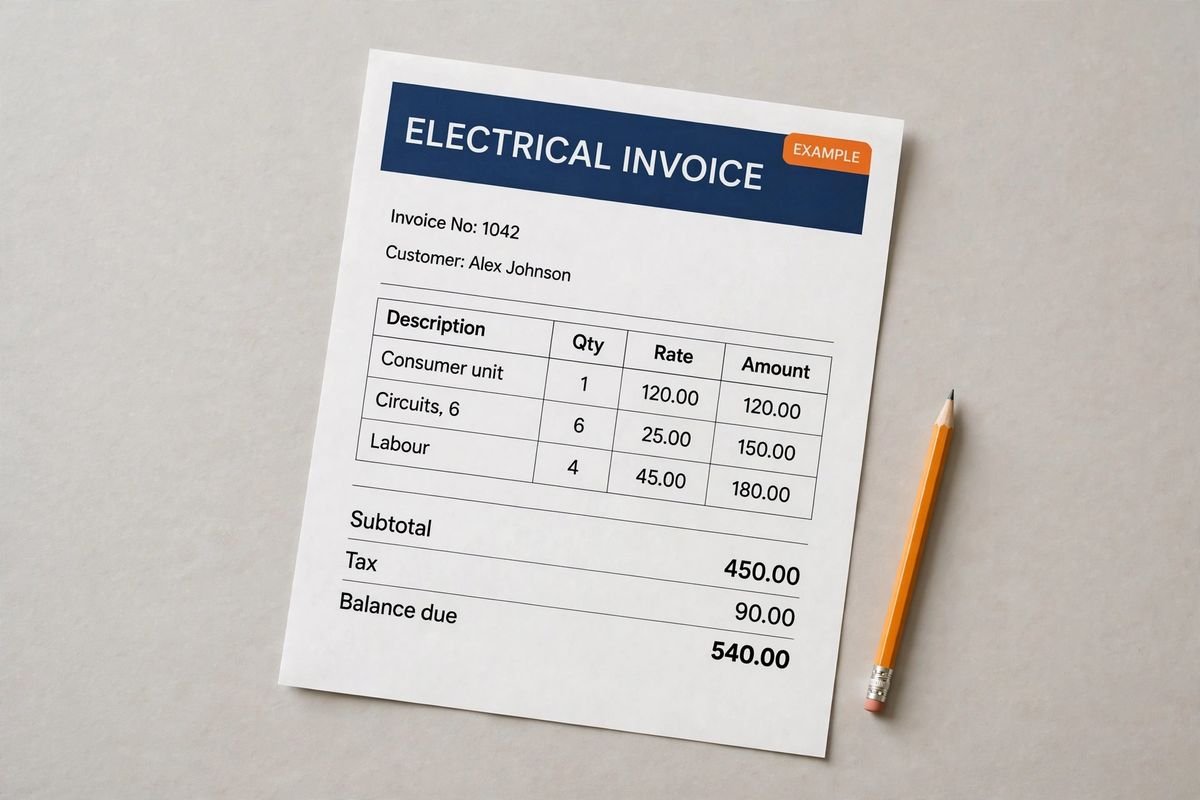
Check the balance due
Verify every formula after adding rows or changing the worksheet. A markup rate is not the same as a profit margin. Your local tax, permit and contract requirements may differ.
Ready to use it?
No signup needed. Excel 2016 or later. For Google Sheets, import the Excel file with File → Import → Upload.