Free contractor paperwork
Construction Paperwork Templates
Choose your trade and download an editable form. Use Excel, import into Google Sheets, print a PDF or customize the Word version.
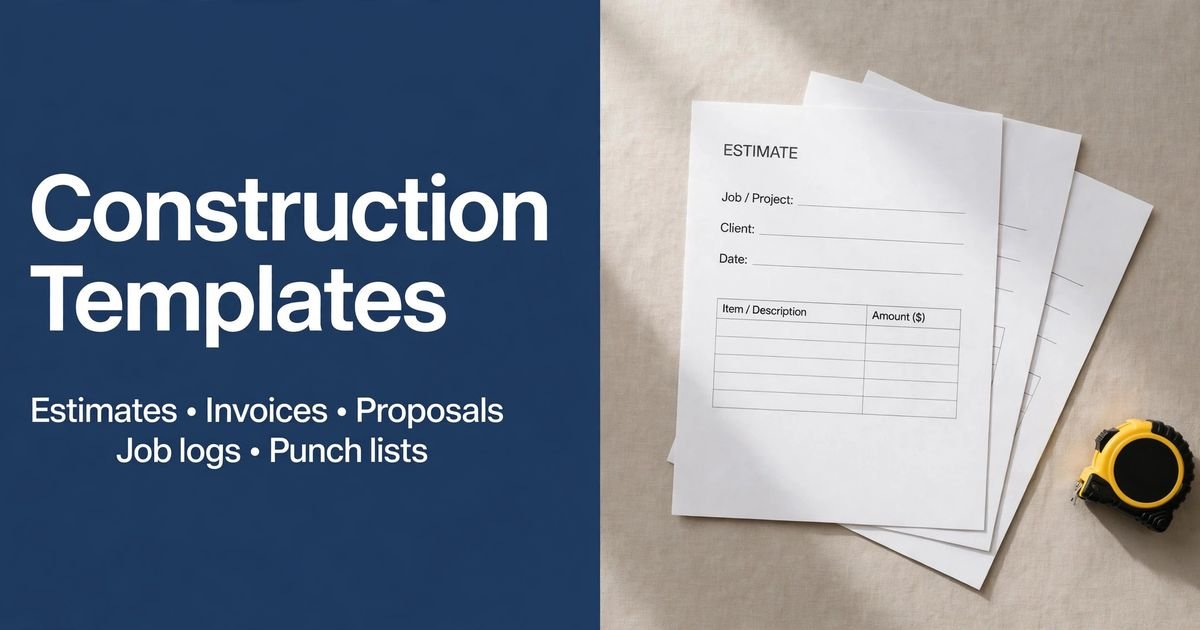
Download your change order template
No signup needed. Excel 2016 or later. For Google Sheets, import the Excel file with File → Import → Upload.
Construction documents
What to include
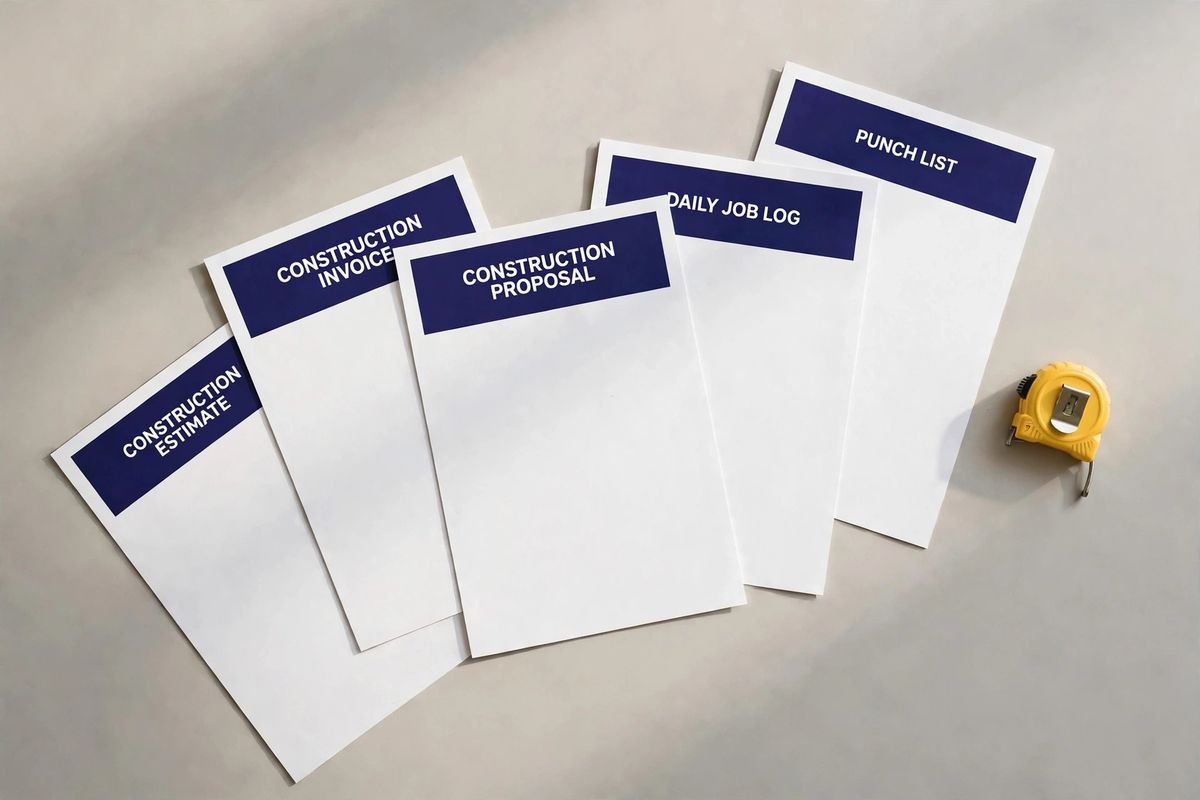
- Your business and customer contact details
- A document number, date and job address
- Specific scope, quantities and amounts where applicable
- Taxes, payment terms, approvals and exclusions as needed
How to use these templates
- Choose the closest trade.
Start with relevant line items, then tailor them to the actual work.
- Replace the example values.
Confirm quantities, rates, taxes and terms. The blank worksheet gives you a reusable starting point.
- Review and share a copy.
Keep a master file and save each job with a unique reference.
Use the right construction record
Scope changes. Use a change order to describe a proposed revision to the accepted work. Record the reason, price or quantity effect, schedule implications and approval status. Connect it to the original estimate and project reference. Do not silently replace the accepted scope or assume that an internal site note authorizes extra work. Change Order template · Construction Estimate template.
Daily site records. Use a daily log to record the date, people, work performed, deliveries and factual observations. Distinguish completed tasks from outstanding questions and identify follow-up responsibility. Link supporting records to the same project reference. Compare the job record with the invoice when checking billed stages, without treating the log itself as customer approval. Daily Job Log template · Construction Invoice template.
Outstanding items. Use a punch list for specific unfinished or corrective tasks, with a location, responsible person, status and verification note. Review evidence before closing an item and keep dated updates. If an item introduces new scope rather than correcting agreed work, record the proposed change separately and use the approval process required for the project. Punch List template · Change Order template.
$29 · includes 12 months of Pro
Construction Paperwork Pack
Bid the job, track changes and close it out.
- Estimate, project proposal and invoice
- Change order, daily job log and punch list
- Job costing workbook with your markup built in
Instant download · 14-day refund