Free Punch List Template (Excel, Google Sheets, PDF)
Document site work with a clear punch list. Use the editable fields to record the job details, responsibilities and follow-up.
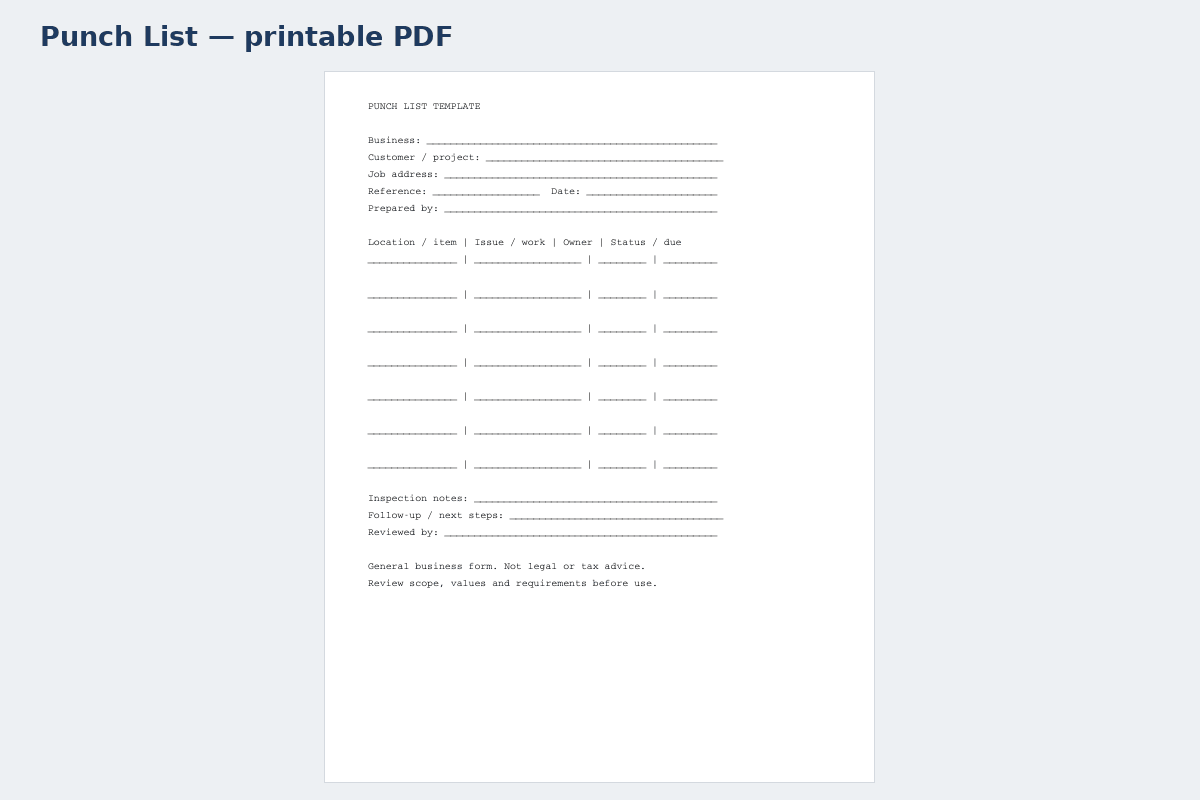
Printable PDF template · Punch List↗ Open full size (new tab)
Download your punch list template
No signup needed. Excel 2016 or later. For Google Sheets, import the Excel file with File → Import → Upload.
Get the details right
What to include
Describe the work area, inclusions, allowances, schedule assumptions and exclusions. Keep scope changes separate from the original estimate.
- Project name, address and reference number
- Date and responsible person
- Specific work or issue being recorded
- Cost or schedule impact, where relevant
- Status, follow-up and acknowledgement
Write closeout items that can be checked
Identify the project, inspection or walkthrough date and the people reviewing the work. Each punch-list entry should describe a specific location, an observable issue and the agreed result needed for closure. Replace vague entries such as fix painting with a room, surface and clearly described touch-up requirement. Keep the description factual and within the agreed scope.
Assign one responsible person or trade and a practical review date for each item. Distinguish an incomplete contracted task from a new customer request or a disputed scope change. Those categories may need different approval or pricing processes. Use photographs or drawing references to clarify the location, but do not rely on an image alone to explain what needs to be done.
Track status without deleting the history of completed items. Record when the work was reported finished, who checked it and whether the agreed closure condition was met. A reviewed item can be closed while another remains open; avoid treating the entire project as complete simply because most entries are ticked. Keep the final record with the relevant handover documents. This checklist organizes closeout work without replacing contractual completion criteria or a specialist inspection.
How to fill it in
- Identify the walkthrough and location
Enter the site, review date and a precise location for each issue.
- Describe a verifiable correction
State the observable issue and the agreed result required for closure.
- Assign an owner and review date
Identify responsibility and distinguish contracted work from new or disputed requests.
- Verify and retain the closeout record
Record completion, reviewer and date while preserving the status history.
A worked example
| Location / item | Issue / work | Owner | Status / due |
|---|---|---|---|
| Kitchen | Adjust cabinet door | Contractor | Open / date |
| Hallway | Touch-up paint | Painting crew | Open / date |
| Entry | Check hardware | Site lead | Review / date |
| Exterior | Remove debris | Cleanup crew | Open / date |
Illustrative records only. Replace with the actual project details.
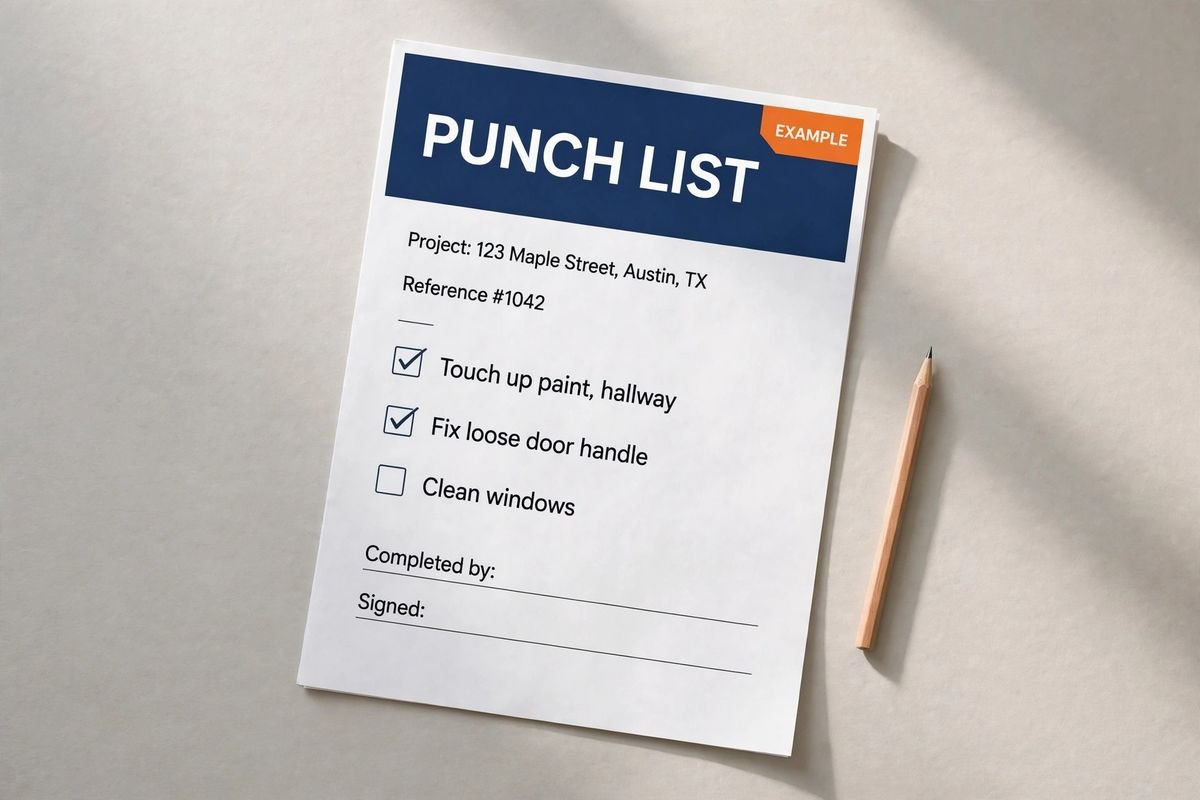
Keep the record useful
Keep completed items and unresolved issues distinct. Confirm the record with the responsible person before filing it.
Ready to use it?
No signup needed. Excel 2016 or later. For Google Sheets, import the Excel file with File → Import → Upload.
Punch list guide
How to run a punch list and close out the job
A punch list is the list of small items still to fix or finish when a job is substantially complete: the room can be used, but a door still rubs, a seam shows or a cover plate is missing. Closing it quickly matters because the final payment usually depends on it. This guide closes out the basement room finish from the construction estimate template guide, where the last $4,283.23 is due when the punch list is closed and the walkthrough is signed.
1. Walk the job before the customer does
Do your own walkthrough first, room by room, top to bottom: ceiling, walls, trim, doors, fixtures, floor. Test everything that switches, opens or drains. Fixing your own list before the customer walkthrough makes the official punch list shorter and shows the customer you check your work.
2. Write items someone else can close
Each item needs a number, an exact location, what is wrong, who fixes it, a due date and a status. “Fix wall” cannot be closed. “North wall by the window: nail pop and visible tape seam, drywall sub, Tuesday” can. Add a photo for anything that could be disputed, and a second photo when it is fixed.
3. Worked example: basement room finish punch list
| # | Location | Item | Who fixes it | Due | Status |
|---|---|---|---|---|---|
| PL-01 | Closet | Door rubs the head jamb when closing | Carpentry | Mon | Fixed – verified |
| PL-02 | Room, north wall | Nail pop and visible tape seam by the window | Drywall sub | Tue | Fixed – verified |
| PL-03 | Room | Two recessed lights on the wrong dimmer | Electrical sub | Tue | Fixed – verified |
| PL-04 | Room, by stairs | Baseboard gap at the outside corner | Carpentry | Mon | Fixed – verified |
| PL-05 | Room | Paint touch-up on the east wall, roller marks | Painting | Wed | Open |
| PL-06 | Closet | Missing outlet cover plate | Electrical sub | Tue | Fixed – verified |
| PL-07 | Room | Scratch in one vinyl plank near the door | Flooring | Wed | Replace plank |
| PL-08 | Whole area | Final clean, vacuum vents, remove labels | General | Thu | Open |
Eight items, five already fixed and checked. When PL-05, PL-07 and PL-08 are closed, the customer signs the walkthrough and the final payment of $4,283.23 is invoiced.
4. Close it out properly
- Have a second person check each item before it is marked done, not only the trade that fixed it.
- Get the customer to sign and date the completed list at the final walkthrough.
- Hand over warranties, manuals, paint colors and any spare materials at the same time.
- On jobs with retainage (often 5–10% held back from each payment on commercial work), the signed punch list is usually what releases it.
- Send the final invoice the same day, using the contractor invoice template.
5. Punch list items vs new work
A punch list is for work in the original scope that is unfinished or not right. If the customer asks for something new during the walkthrough, such as an extra shelf or a different paint color, that is a change order, not a punch list item. Keep the two separate, or the final payment will be held up by work that was never in the contract.
More punch list questions
Who creates the punch list? Usually the contractor and the customer (or the architect on larger jobs) walk the job together. Each adds items, and the contractor keeps the master list.
How long should a punch list take? On a small residential job, aim to close it within one to two weeks. Put due dates on every item so it doesn't drift.
Is a punch list the same as a snag list? Yes. “Snag list” is the British term for the same thing.
The Construction Paperwork Pack includes this punch list in Word and fillable PDF, plus an Excel tracker that counts open and closed items for you.