Free Change Order Template (Excel, Google Sheets, PDF)
Document site work with a clear change order. Use the editable fields to record the job details, responsibilities and follow-up.
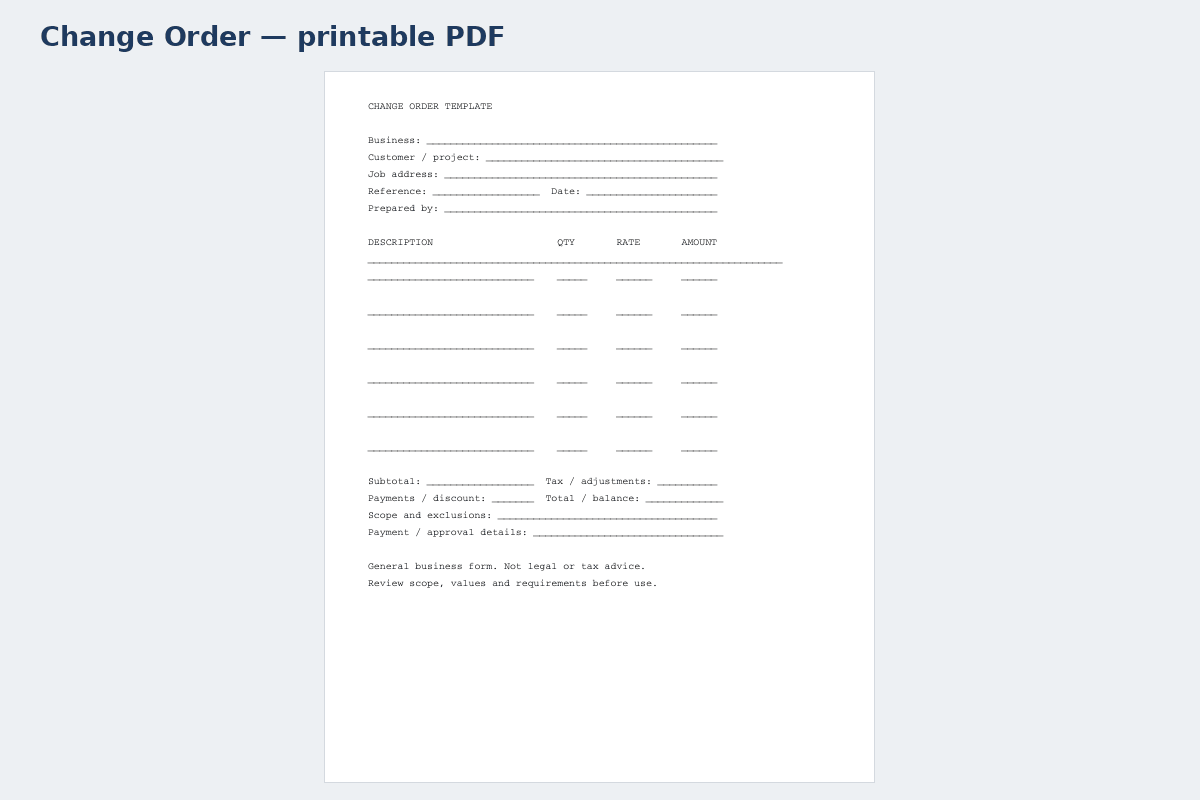
Printable PDF template · Change Order↗ Open full size (new tab)
Download your change order template
No signup needed. Excel 2016 or later. For Google Sheets, import the Excel file with File → Import → Upload.
Get the details right
What to include
Describe the work area, inclusions, allowances, schedule assumptions and exclusions. Keep scope changes separate from the original estimate.
- Project name, address and reference number
- Date and responsible person
- Specific work or issue being recorded
- Cost or schedule impact, where relevant
- Status, follow-up and acknowledgement
Keep variations separate from the original construction scope
Identify the project, original agreement reference and the specific change being requested. Describe what is added, omitted or substituted using locations, quantities and relevant drawing versions. A phrase such as extra work is not enough to establish what the parties are considering. Record the reason for the request without turning an unverified site observation into an accusation or technical conclusion.
Price the variation using identifiable material, labor, equipment and other applicable components. Show credits for omitted work and explain the treatment of markup or allowances under the actual arrangement. Record any expected schedule effect separately from the price. A change can affect sequencing or completion even when its direct cost appears small, so avoid leaving the timing field ambiguous.
Capture approval using the project's agreed process before treating the change as authorized. Keep a clear status for proposed, approved or declined requests and preserve prior versions. Update the running project record so the original amount, approved changes and revised total can be reconciled without overwriting the original baseline. This general record helps organize the decision; it is not a substitute for project-specific contractual advice.
How to fill it in
- Identify the requested variation
Reference the original project and describe added, omitted or substituted work precisely.
- Calculate cost and schedule effects
Show component costs, credits and timing assumptions under the actual project arrangement.
- Record the approval decision
Identify authorized representatives and keep the request's status and version clear.
- Update the running project record
Carry only approved changes into the revised total and link later billing to their references.
A worked example
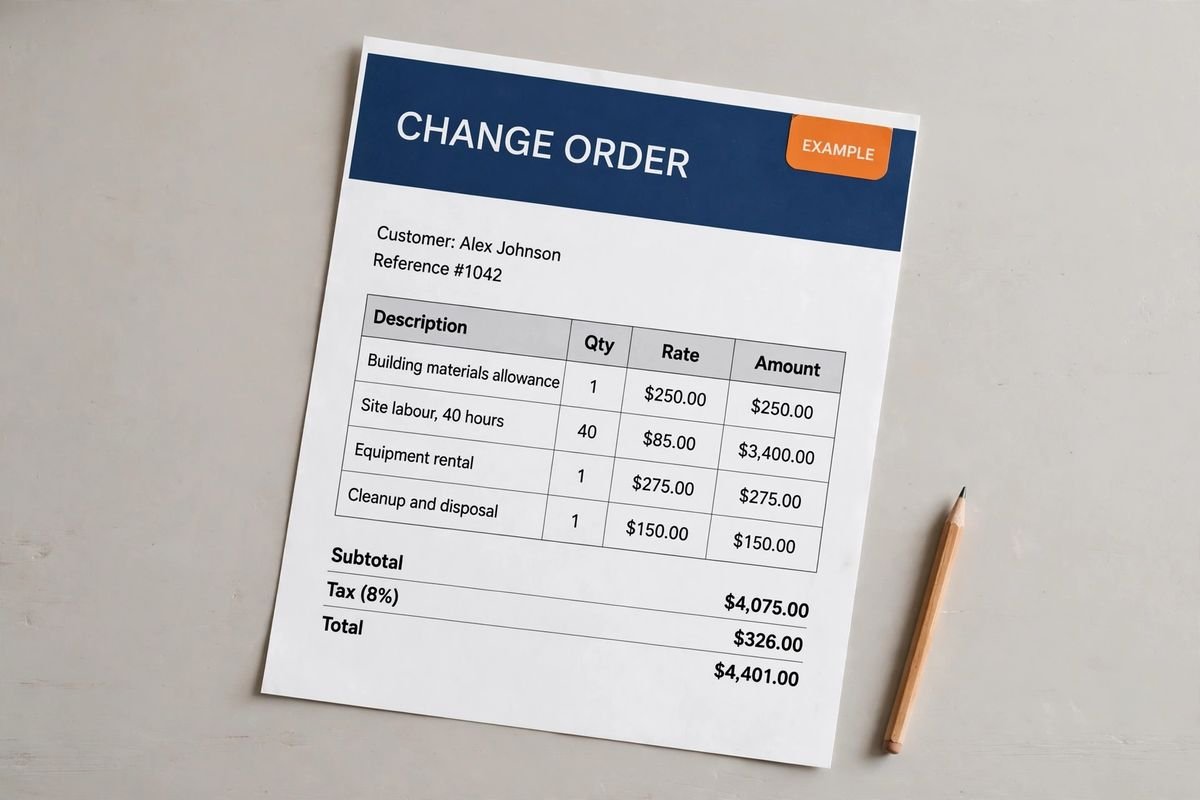
| Cost or work item | Amount |
|---|---|
| Building materials allowance | $3,200.00 |
| Site labor | $2,200.00 |
| Equipment rental | $360.00 |
| Cleanup and disposal | $240.00 |
| Subtotal before tax | $6,000.00 |
Example only. These are not published market rates or a suggested price.
Keep the calculation clear
Verify every formula after adding rows or changing the worksheet. A markup rate is not the same as a profit margin. Your local tax, permit and contract requirements may differ.
Ready to use it?
No signup needed. Excel 2016 or later. For Google Sheets, import the Excel file with File → Import → Upload.
Change order guide
How to write a change order, with a worked example
A change order is a signed agreement to change the work after the contract is signed: something added, removed or swapped. It records the new price and any extra time before the work is done. Contractors lose more money on unsigned extras than on almost anything else, because once the work is finished the customer has little reason to agree a price. This guide continues the basement room finish from the construction estimate template guide (contract $18,132.92).
1. When you need a change order
- The customer asks for more work, a different material or a different layout.
- A selection costs more or less than its allowance in the estimate.
- You find a hidden condition the estimate excluded, such as rot, old wiring or water damage.
- A building inspector requires something the drawings did not show.
If it changes the price, the scope or the finish date, write it up and get it signed before you do the work.
2. What goes on a change order
- A change order number (CO-1, CO-2…) and the date.
- The project, the customer and the original contract date and amount.
- A plain description of what is added, removed or substituted, with locations and quantities.
- The price, broken into cost, markup and tax, with credits for anything taken out.
- The effect on the schedule in days, even if it is zero.
- The new contract total: original amount + approved change orders to date + this change.
- Signatures and dates from the customer and from you.
On larger commercial jobs you will often see the AIA G701 change order form. The fields are the same; the template here covers them for residential and small commercial work.
3. Worked example: two change orders on the basement job
Halfway through, the homeowner asks for four more recessed lights. That is an add priced from the electrician's quote, plus drywall patching, marked up 20% like the original estimate:
| CO-1: add 4 recessed lights | Amount |
|---|---|
| 4 extra recessed lights on a dimmer (electrical subcontractor) | $560.00 |
| Drywall patching after the new cut-outs | $120.00 |
| Direct cost | $680.00 |
| Markup 20% | $136.00 |
| Sales tax (no taxable materials) | $0.00 |
| Change order total | $816.00 |
They also swap the closet's hollow-core door for a solid-core one. Price that as a credit for what is no longer needed plus the cost of the replacement, then mark up and tax the net:
| CO-2: solid-core closet door | Amount |
|---|---|
| Credit: hollow-core door no longer needed | -$140.00 |
| Add: solid-core door and hardware | $310.00 |
| Net direct cost | $170.00 |
| Markup 20% | $34.00 |
| Sales tax 6% on net materials | $10.20 |
| Change order total | $214.20 |
Example prices only, to show the arithmetic. They are not market rates or a suggested price. Use your own supplier, labor and subcontractor costs, and check your state's tax and contract rules.
4. Keep a change order log
The log is how you, the customer and your invoices stay in step. Only approved changes go into the contract sum. Pending ones are listed but not counted.
| Change | Status | Amount | Days added | Contract sum after |
|---|---|---|---|---|
| Original contract | Signed | $18,132.92 | – | $18,132.92 |
| CO-1 Extra recessed lights | Approved | $816.00 | 1 | $18,948.92 |
| CO-2 Solid-core closet door | Approved | $214.20 | 0 | $19,163.12 |
| CO-3 Built-in shelving | Pending signature | $1,450.00 | 2 | not included yet |
Revised contract sum: $18,132.92 + $816.00 + $214.20 = $19,163.12. Reference CO-1 and CO-2 by number on your next contractor invoice so the customer can match every dollar.
5. Common change order mistakes
- Doing the work on a verbal “go ahead” and pricing it afterwards.
- Leaving out the schedule effect, then being blamed for finishing late.
- Forgetting credits for work that was removed. Customers notice, and it costs trust.
- Letting anyone on site approve changes. Name who can sign for the customer.
- Not carrying approved changes into the contract total and the next invoice.
More change order questions
Is a verbal change order binding? It may be hard to enforce and easy to dispute, and many contracts require changes in writing. Confirm any verbal instruction in writing the same day, then get the change order signed.
Can I charge markup on a change order? Yes, if your contract allows it. Use the same markup as the original estimate and show it as its own line.
What if the customer will not sign? Don't do the extra work. If it is needed to continue safely or to pass inspection, record the instruction in writing and follow the dispute steps in your contract.
The Construction Paperwork Pack includes this change order in Word and fillable PDF, with an Excel change order log that keeps the revised contract sum for you.