Free Construction Invoice Template (Excel, Google Sheets, PDF)
Bill your construction work clearly. Itemize completed work, record payments and show the remaining balance with an editable invoice.
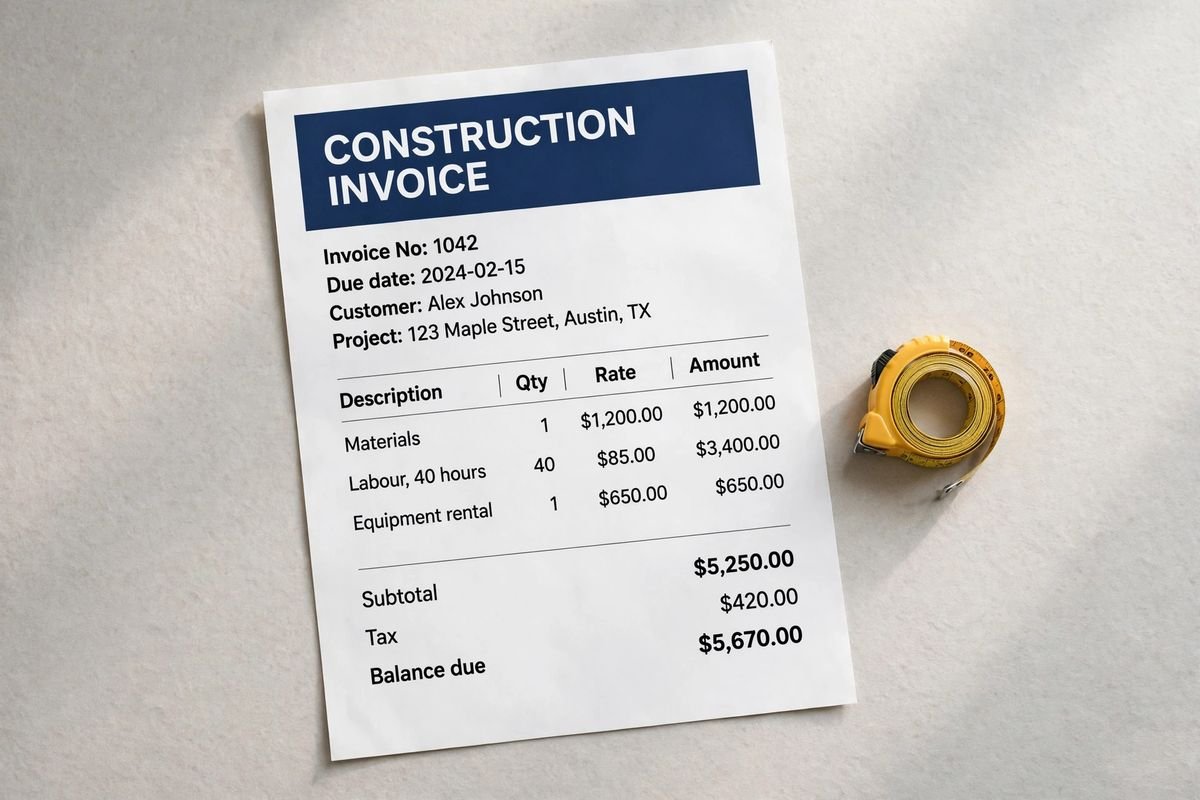
Illustrative document mockup · Construction Invoice↗ Open full size (new tab)
Download your construction invoice template
No signup needed. Excel 2016 or later. For Google Sheets, import the Excel file with File → Import → Upload.
Get the details right
What to include
Describe the work area, inclusions, allowances, schedule assumptions and exclusions. Keep scope changes separate from the original estimate.
- Business and customer billing details
- Invoice number, issue date and due date
- Completed work, quantities and rates
- Taxes, discounts and prior payments
- Balance due and your payment instructions
Reconcile progress billing with completed work
Identify the project, billing period and the agreed basis for the invoice. A progress invoice should make clear which work or milestone it covers, rather than appearing to bill the full project repeatedly. Reference the relevant estimate, contract or schedule of values so the customer can understand the relationship between the current request and the original scope.
Show original-scope work separately from approved change orders. Carry forward changes using their reference numbers and agreed values, and avoid including an unresolved request as though it were already authorized. Where allowances have been reconciled, explain the adjustment. Keep previous billing and payments distinguishable so the current invoice does not accidentally repeat an amount already invoiced.
Identify applicable deductions or retention only when they belong to the actual arrangement. State the current amount due after verified credits and receipts, with payment instructions and the reference the customer should use. Keep supporting progress records, approvals and relevant delivery documentation with the job file. This helps a project manager or bookkeeper review the bill without turning an invoice into a certification of technical completion or contractual compliance.
How to fill it in
- Identify the billing period and stage
Enter the project reference and the work or milestone covered.
- Separate base work and approved changes
Match amounts to the schedule of values or agreed pricing records.
- Reconcile earlier billing and deductions
Check prior invoices, receipts, allowance adjustments and applicable retention.
- Issue the current amount due
State payment instructions and retain the supporting progress and approval records.
A worked example
| Cost or work item | Amount |
|---|---|
| Building materials allowance | $3,200.00 |
| Site labor | $2,200.00 |
| Equipment rental | $360.00 |
| Cleanup and disposal | $240.00 |
| Subtotal before tax | $6,000.00 |
Example only. These are not published market rates or a suggested price.
Check the balance due
Verify every formula after adding rows or changing the worksheet. A markup rate is not the same as a profit margin. Your local tax, permit and contract requirements may differ.
Ready to use it?
No signup needed. Excel 2016 or later. For Google Sheets, import the Excel file with File → Import → Upload.
Construction invoice guide
How to bill a construction job: progress invoices, schedule of values and retainage
On anything bigger than a one-day job, construction is rarely billed once at the end. It is billed in stages as the work is done, and each invoice has to show the customer three things: what the whole contract is worth, how much is finished, and how much has already been paid. This guide works through a real-shaped progress invoice so you can see how the numbers fit together. For a single-stage invoice, the contractor invoice template guide is simpler.
1. Lump sum, milestones or percent complete
- One final invoice: fine for small, short jobs.
- Milestone billing: a fixed amount when a stage is finished (after rough-in, after drywall and so on). Common on residential jobs; see the payment schedule in the construction estimate template guide.
- Percent-complete billing against a schedule of values: standard on commercial and larger jobs. Each line of the contract is billed by how much of it is done.
2. Build a schedule of values
A schedule of values (SOV) splits the contract price into lines the owner can check on site: general conditions, demolition, framing, each subcontract, finishes. Agree it before the first invoice. Every progress invoice then uses the same lines, so nobody argues about how a percentage was reached. Approved change orders are added as their own lines, not folded into existing ones.
3. Worked example: commercial tenant fit-out, application #3
A $128,000.00 office fit-out with one approved change order ($3,400.00). This is the third monthly progress invoice. The contract holds back 10% retainage until completion.
| Schedule of values line | Scheduled value | Previous applications | This period | % complete | Completed to date |
|---|---|---|---|---|---|
| General conditions | $9,600.00 | $2,880.00 | $1,920.00 | 50% | $4,800.00 |
| Demolition | $7,200.00 | $7,200.00 | $0.00 | 100% | $7,200.00 |
| Framing and drywall | $28,400.00 | $11,360.00 | $9,940.00 | 75% | $21,300.00 |
| Electrical (subcontract) | $22,800.00 | $5,700.00 | $7,980.00 | 60% | $13,680.00 |
| Plumbing (subcontract) | $14,500.00 | $2,900.00 | $2,900.00 | 40% | $5,800.00 |
| HVAC (subcontract) | $18,900.00 | $0.00 | $5,670.00 | 30% | $5,670.00 |
| Finishes: paint, flooring, ceiling | $26,600.00 | $0.00 | $0.00 | 0% | $0.00 |
| CO-1 Added data outlets (approved) | $3,400.00 | $0.00 | $3,400.00 | 100% | $3,400.00 |
| Totals | $131,400.00 | $30,040.00 | $31,810.00 | 47% | $61,850.00 |
| Application for payment #3 | Amount |
|---|---|
| Original contract sum | $128,000.00 |
| Net change by approved change orders | $3,400.00 |
| Contract sum to date | $131,400.00 |
| Work completed to date | $61,850.00 |
| Materials stored on site (flooring, delivered not installed) | $2,150.00 |
| Total completed and stored to date | $64,000.00 |
| Less retainage 10% | -$6,400.00 |
| Total earned less retainage | $57,600.00 |
| Less previous payments certified | -$27,036.00 |
| Current payment due | $30,564.00 |
| Balance to finish, including retainage | $73,800.00 |
Example prices only, to show the arithmetic. They are not market rates or a suggested price. Use your own costs and rates, and check your state's tax and consumer rules.
How the payment is worked out: the work completed to date plus materials stored on site ($64,000.00), less 10% retainage ($6,400.00), gives $57,600.00 earned so far. The owner has already been billed for $30,040.00 of work, less its retainage ($27,036.00), so this invoice asks for $30,564.00. Many contracts let you bill for materials stored on site only with proof of delivery and insurance, so check yours.
On commercial jobs this layout is often the AIA G702 (summary) and G703 (continuation sheet). The template here uses the same logic for jobs that don't need the AIA forms.
4. Retainage and lien waivers
Retainage is the share of each payment the owner holds back until the job is complete, often 5–10%. Keep a running total of retainage held, because you will invoice it separately at completion, usually after the punch list is closed. Some states limit how much retainage can be held, so check your state's rule.
Lien waivers are often requested with each payment. Send a conditional waiver with the invoice, which takes effect only when the payment clears. Sign an unconditional one only after the money is in your account. Some states, including California and Texas, require specific statutory wording.
5. Common construction invoicing mistakes
- Billing a percentage complete that the owner's walk-through will not support. Bill what is in place.
- Adding unapproved change orders to the invoice. Bill only signed changes, by number.
- Forgetting to deduct retainage, or forgetting to invoice it at the end.
- Not showing previous payments, so the customer has to reconcile it themselves.
- Missing the owner's billing cut-off date. Many owners pay on a fixed monthly cycle.
More construction invoice questions
What is the difference between a progress invoice and a final invoice? A progress invoice bills the work done in a period. The final invoice bills the last of the work plus all retainage held, once the job is complete and the punch list is signed off.
Can I charge for materials before they are installed? Only if the contract allows billing for stored materials. Show them on their own line, as in the example, and keep delivery receipts.
Should tax be on a construction invoice? It depends on your state and the type of contract. Many contractors pay tax when buying materials and don't charge it separately, but rules vary, so check with your state or your accountant.
The Construction Paperwork Pack includes an invoice workbook that tracks change orders, retainage and payments to date for you.