Free HVAC Invoice Template (Excel, Google Sheets, PDF)
Bill your hvac work clearly. Itemize completed work, record payments and show the remaining balance with an editable invoice.
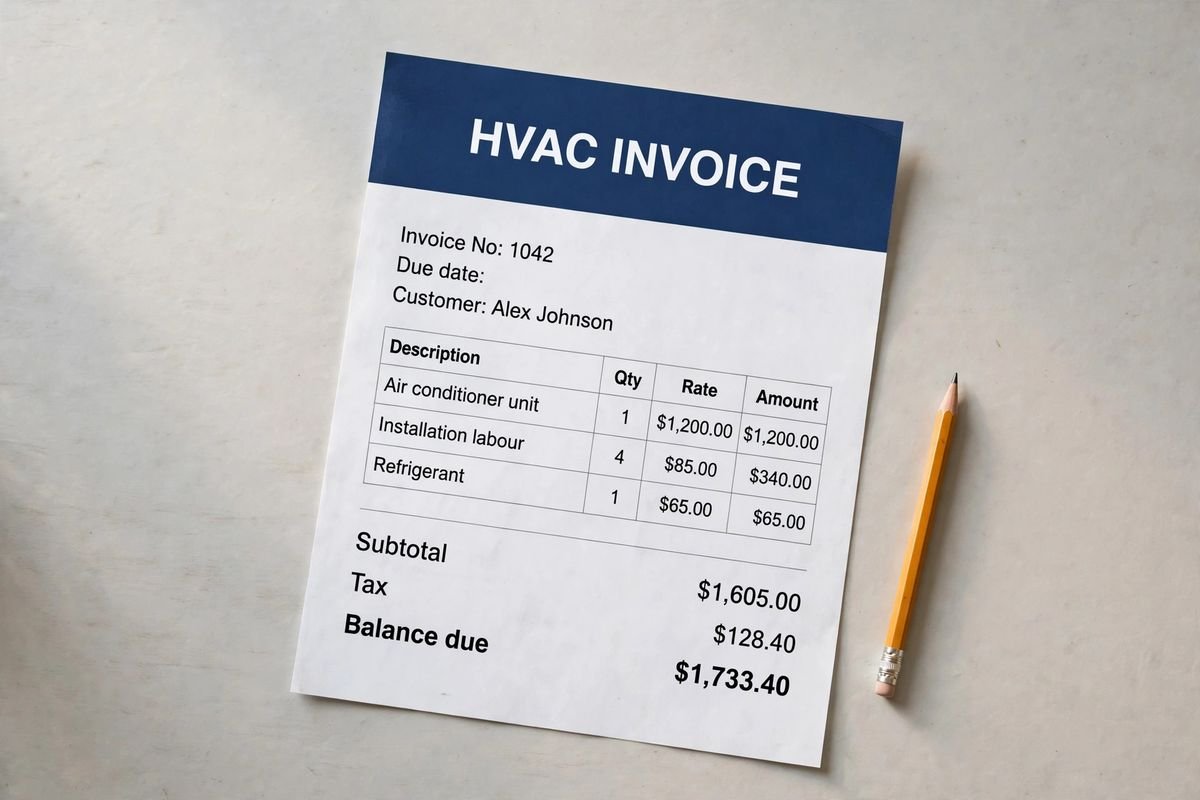
Illustrative document mockup · HVAC Invoice↗ Open full size (new tab)
Download your hvac invoice template
No signup needed. Excel 2016 or later. For Google Sheets, import the Excel file with File → Import → Upload.
Get the details right
What to include
Identify the equipment, model if known, proposed work and commissioning tasks. Separate equipment, labor, materials and disposal.
- Business and customer billing details
- Invoice number, issue date and due date
- Completed work, quantities and rates
- Taxes, discounts and prior payments
- Balance due and your payment instructions
Connect HVAC billing to equipment and commissioning
Identify the installed or serviced equipment so the invoice can be reconciled with the work record. A model or equipment identifier, service location and completion date are more useful than a generic heating repair description. When a project has multiple systems, show which equipment or phase the current bill covers. Keep full technical readings in the service or commissioning report and reference it from the invoice.
Distinguish major equipment, installation labor, duct modifications, controls and agreed service work. Where an existing component was retained, avoid wording that suggests a new one was supplied. Show authorized additional work with its approval reference. If the bill includes a maintenance agreement, specify the service period and keep it separate from the one-time repair or installation charge.
Reconcile deposits and progress payments before presenting the final balance. Give the customer a clear route to obtain operating instructions and warranty documents, without overstating their coverage. Use the same job reference across the invoice, service notes and handover paperwork. This makes later troubleshooting, accounting and customer enquiries easier without exposing unnecessary technical or personal information on a public-facing document.
How to fill it in
- Identify the serviced equipment
Record the system location, equipment reference and installation or service dates.
- Match charges to completed tasks
Separate equipment, controls, duct changes, labor and approved additional work.
- Check handover and payment records
Reference commissioning or service notes and credit deposits already received.
- Send a reconciled invoice
State the balance, due date and contact route, then retain the invoice with the system's job file.
A worked example
| Cost or work item | Amount |
|---|---|
| Replacement equipment allowance | $2,600.00 |
| Installation labor | $1,020.00 |
| Duct and connection materials | $420.00 |
| Removal and commissioning | $280.00 |
| Subtotal before tax | $4,320.00 |
Example only. These are not published market rates or a suggested price.
Check the balance due
Verify every formula after adding rows or changing the worksheet. A markup rate is not the same as a profit margin. Your local tax, permit and contract requirements may differ.
Ready to use it?
No signup needed. Excel 2016 or later. For Google Sheets, import the Excel file with File → Import → Upload.