Free HVAC Work Order Template (Excel, Google Sheets, PDF)
Keep your hvac job paperwork clear. Customize the scope, line items and business details, then share a professional work order with your customer.
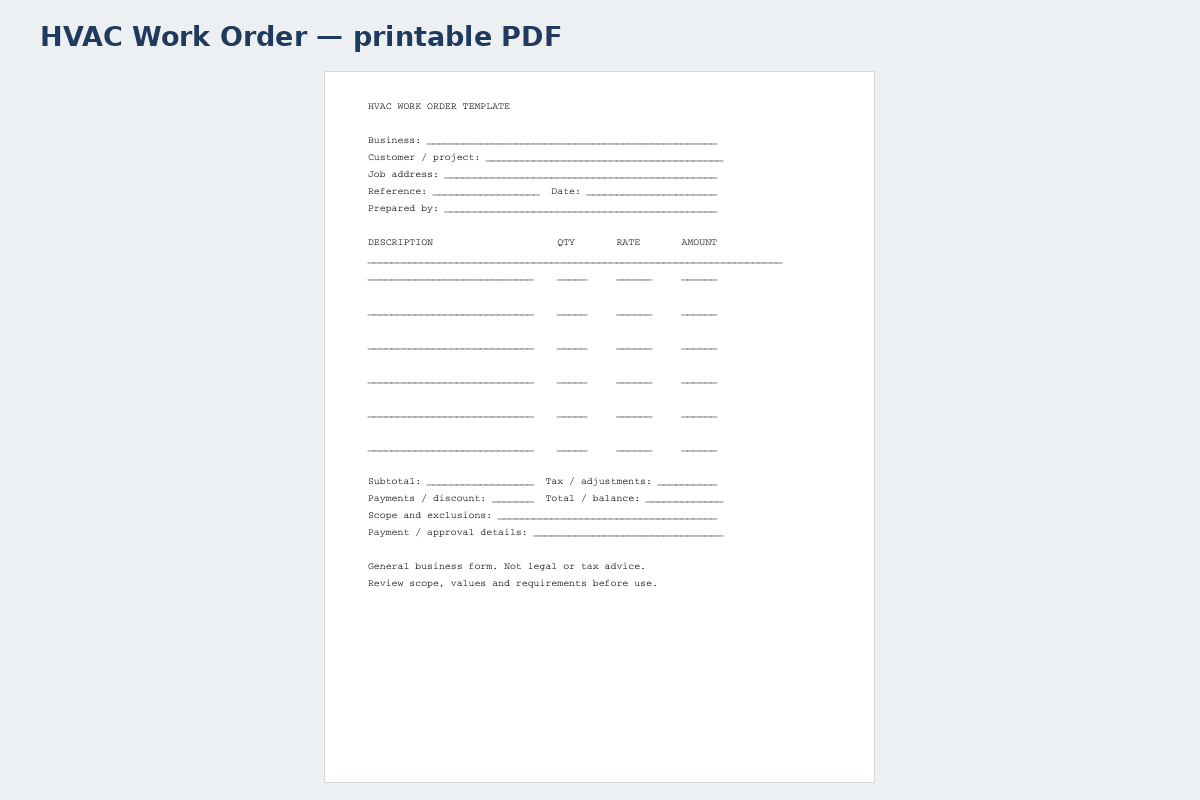
Printable PDF template · HVAC Work Order↗ Open full size (new tab)
Download your hvac work order template
No signup needed. Excel 2016 or later. For Google Sheets, import the Excel file with File → Import → Upload.
Get the details right
What to include
Identify the equipment, model if known, proposed work and commissioning tasks. Separate equipment, labor, materials and disposal.
- Customer contact and service address
- Work order number and scheduled date
- Reported issue and authorized scope
- Materials, labor and technician notes
- Completion status and customer acknowledgement
Prepare a useful HVAC technician handoff
A work order should help a technician understand the visit before arriving. Record the site contact, access arrangements, equipment location and the reported symptom in the customer's words. Identify the system where possible, but distinguish customer-reported information from observations made on site. Avoid converting a complaint such as poor cooling into a confirmed diagnosis before inspection.
Describe the authorized task and limits: inspection, diagnosis, routine service, repair or installation follow-up. Note arrangements for approval if further work is needed and any agreed attendance charge. Record scheduling constraints, building access and relevant instructions without putting passwords, alarm codes or other sensitive credentials into a widely shared form.
During closeout, document what was inspected, what work was completed, parts used and any unresolved issue. Technical measurements and safety-critical checks belong in an appropriate service report maintained by qualified personnel; reference that report rather than treating this general form as a commissioning checklist. Finish with the technician's completion record, customer communication and the person responsible for follow-up. This separates the original request from the actual service outcome.
How to fill it in
- Capture the visit request
Enter equipment location, symptoms, contact person and permitted access arrangements.
- Set the authorized service boundary
Describe the task, scheduling window and approval route for additional repairs.
- Document the technician's work
Record observations, completed activities, parts and the reference to any detailed service report.
- Close or assign follow-up
Mark the job status, explain unresolved items and name the responsible person for the next action.
A worked example
| Cost or work item | Amount |
|---|---|
| Replacement equipment allowance | $2,600.00 |
| Installation labor | $1,020.00 |
| Duct and connection materials | $420.00 |
| Removal and commissioning | $280.00 |
| Subtotal before tax | $4,320.00 |
Example only. These are not published market rates or a suggested price.
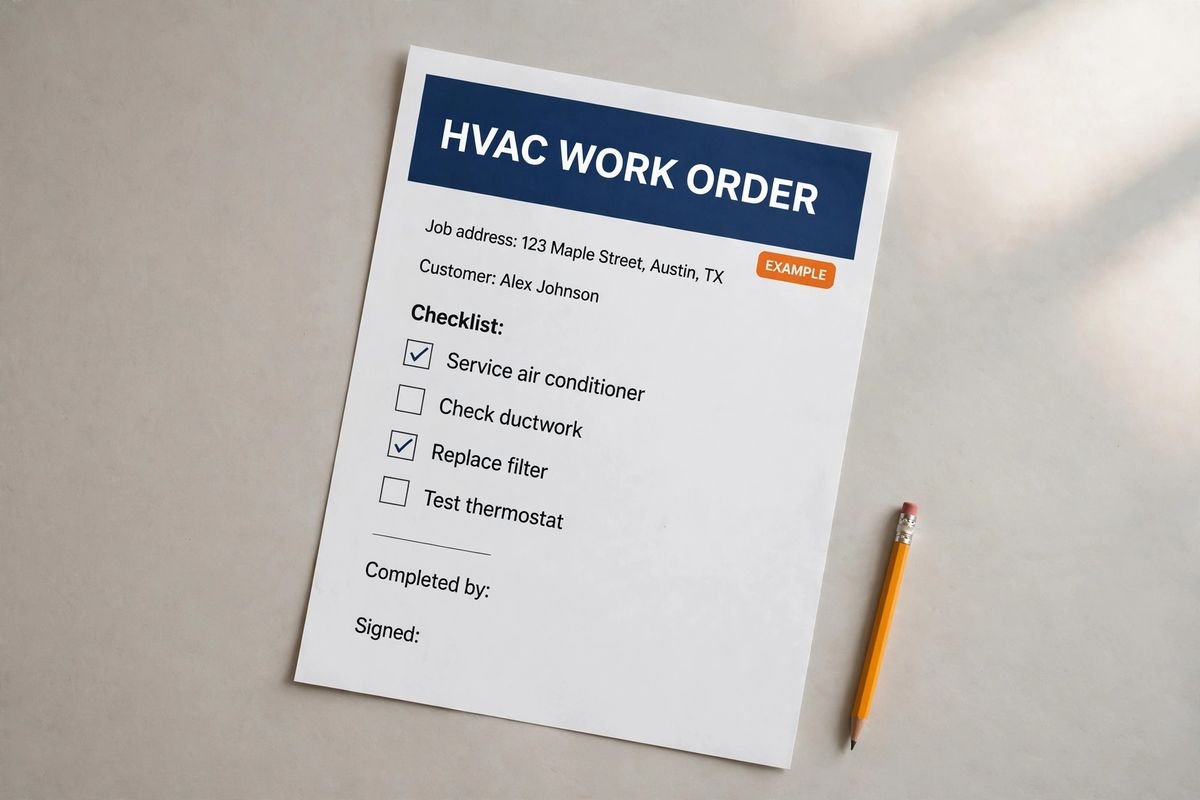
Keep the calculation clear
Verify every formula after adding rows or changing the worksheet. A markup rate is not the same as a profit margin. Your local tax, permit and contract requirements may differ.
Ready to use it?
No signup needed. Excel 2016 or later. For Google Sheets, import the Excel file with File → Import → Upload.