Free Handyman Estimate Template (Excel, Google Sheets, PDF)
Keep your handyman job paperwork clear. Customize the scope, line items and business details, then share a professional estimate with your customer.
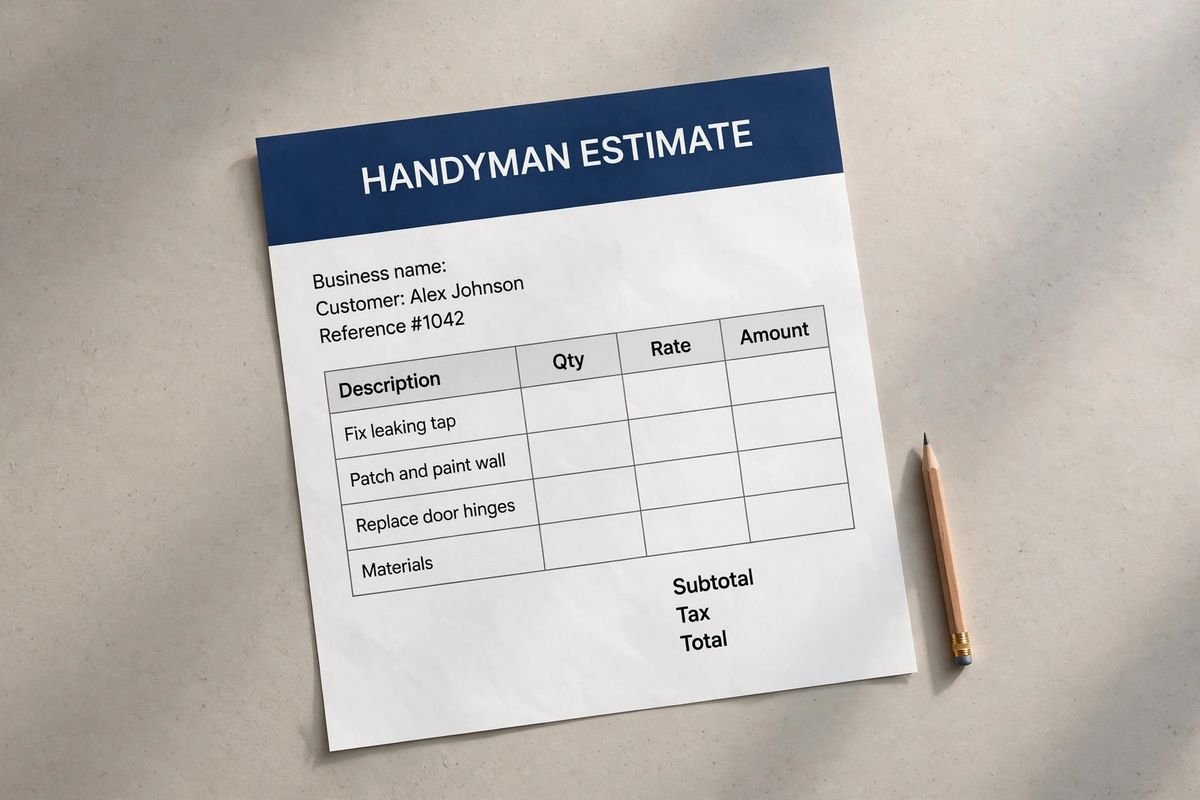
Illustrative document mockup · Handyman Estimate↗ Open full size (new tab)
Download your handyman estimate template
No signup needed. Excel 2016 or later. For Google Sheets, import the Excel file with File → Import → Upload.
Get the details right
What to include
Break small jobs into clear tasks. Identify materials supplied by the customer and work outside your license or insurance scope.
- Your business and customer details
- Job address and document number
- Clear scope, quantities and line-item amounts
- Taxes, adjustments and total where applicable
- Payment or approval details and exclusions
Group small repairs into an understandable visit
List each requested repair or installation separately, even when several tasks will be completed during one visit. Identify the room or location and the expected result. A loose cabinet door, a shelf installation and minor surface repairs require different materials and preparation; combining them into a single repairs line makes later changes difficult to explain.
State whether the price is fixed per task, based on time or built around a minimum attendance charge. Explain what the minimum covers and how additional time is treated under your arrangement. Itemize supplied materials or label an allowance, and distinguish customer-provided hardware from products purchased by your business. Disclose any material markup in the agreed pricing structure rather than implying the form sets a standard percentage.
Identify access, cleanup and the boundaries of the service. Work requiring specialist qualifications, permits or a different contractor should not be implied to fall within an unrestricted handyman scope. Explain how hidden damage, unsuitable fixings or additional requested tasks will be reviewed before proceeding. A concise task-by-task estimate helps the customer decide which items to authorize and keeps a multi-job visit manageable.
How to fill it in
- List each requested repair
Record locations, materials already available and the result the customer wants.
- Choose and explain the pricing basis
State fixed task prices or time-based work, including any minimum attendance arrangement.
- Identify materials and service limits
Separate purchased supplies, customer hardware, cleanup and specialist exclusions.
- Confirm the authorized task list
Review access, assumptions and the process for approving extra work during the visit.
A worked example
| Cost or work item | Amount |
|---|---|
| Repair materials | $145.00 |
| Repair labor | $330.00 |
| Hardware and consumables | $40.00 |
| Cleanup | $35.00 |
| Direct costs | $550.00 |
Example only. These are not published market rates or a suggested price.
Keep the calculation clear
Verify every formula after adding rows or changing the worksheet. A markup rate is not the same as a profit margin. Your local tax, permit and contract requirements may differ.
Ready to use it?
No signup needed. Excel 2016 or later. For Google Sheets, import the Excel file with File → Import → Upload.